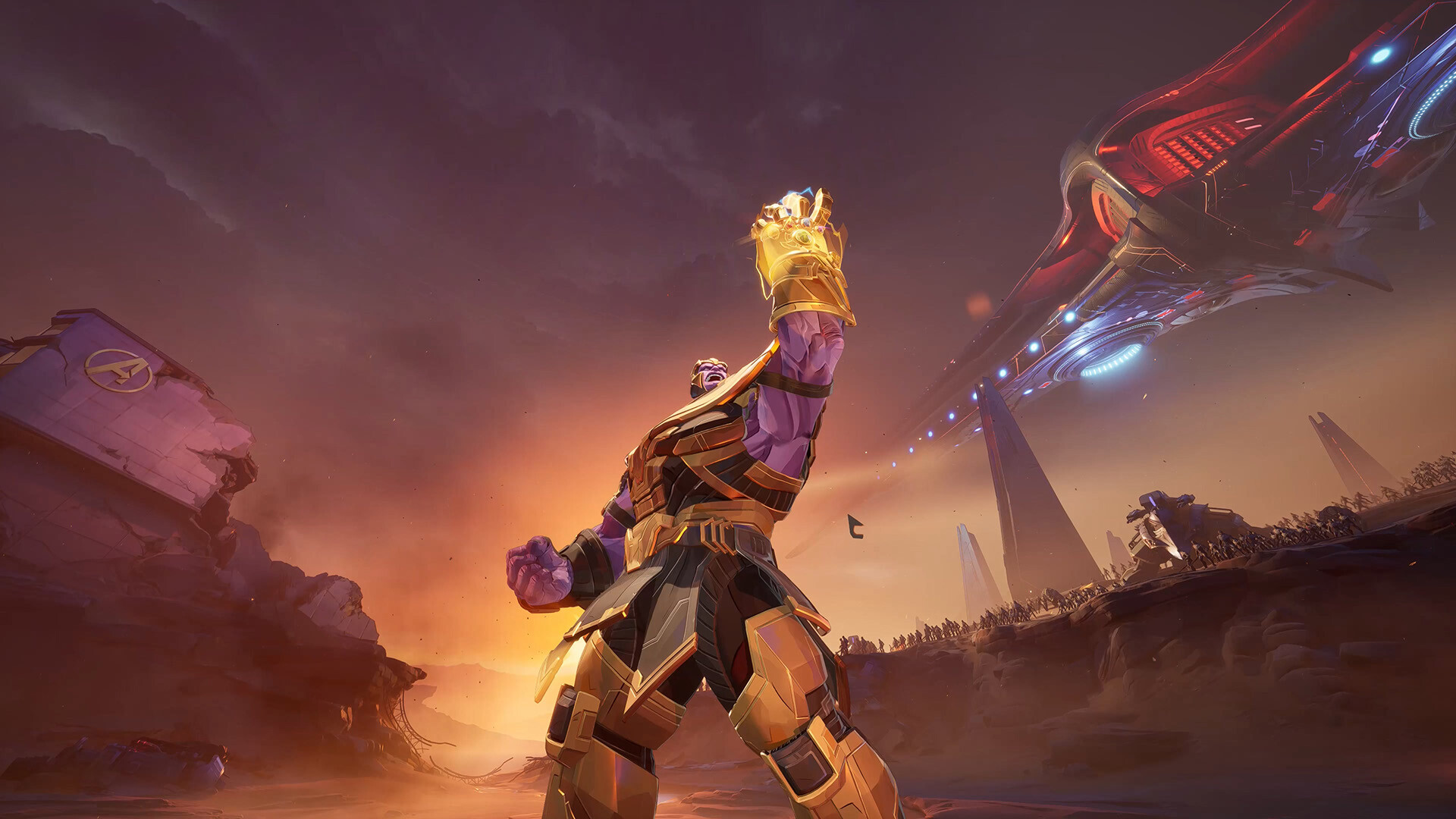
Doctor Strange Portals No Longer Double as a GPU Stress Test
If you have played Marvel Rivals over the last few weeks, you already know the chaotic reality of late-round teamfights: overtime hits, Doctor Strange pops a portal on the payload, both squads trigger twelve ultimates simultaneously, and PCs take a heavy frame-time hit. Surviving the combat spike was often tougher than winning the objective.
Thankfully, the latest Marvel Rivals patch (verified in our lab on 10-Nov-2026) targets the exact Unreal Engine 5 bottlenecks that caused those mid-fight hitches—specifically Lumen Global Illumination, Chaos Destruction debris, and dual-camera portal rendering.
Key Performance & Balance Highlights in This Update
Here is the rundown on what the devs fixed under the hood and how it changes your matches:
- Smarter Portal Render Scaling: When Doctor Strange opens a portal, the game essentially has to render a second camera view of the map. The new patch dynamically scales back shadow and reflection detail inside the portal view once combat gets hectic, saving up to 22% GPU load.
- Chaos Destruction Debris Cleanup: Blowing up walls on Yggsgard and Tokyo 2099 still looks awesome, but small rubble chunks now fade out of physics memory much faster instead of piling up on your CPU thread.
- Shader Pre-Compilation Pass Fixed: No more awkward 3-second freezes the first time Iron Man or Magneto uses their ultimate in your first match after a driver update.
Marvel Rivals 1080p & 1440p FPS Comparison (Lumen GI vs Screen-Space GI)
Because Marvel Rivals runs on Unreal Engine 5, your single biggest performance toggle is Global Illumination. Check out our 10-Nov-2026 benchmark results comparing heavy Lumen GI against the optimized Screen-Space GI (SSGI) competitive preset:
| Graphics Card | Resolution | Lumen GI High (Avg / 1% Low) | Optimized SSGI (Avg / 1% Low) | Total FPS Gain |
|---|---|---|---|---|
| NVIDIA RTX 4070 Super | 1440p | 116 FPS / 84 FPS | 164 FPS / 128 FPS | +41.4% Avg FPS |
| AMD Radeon RX 7800 XT | 1440p | 109 FPS / 79 FPS | 158 FPS / 121 FPS | +44.9% Avg FPS |
| NVIDIA RTX 4060 | 1080p | 92 FPS / 66 FPS | 138 FPS / 104 FPS | +50.0% Avg FPS |
| AMD Radeon RX 6700 XT | 1080p | 95 FPS / 68 FPS | 141 FPS / 107 FPS | +48.4% Avg FPS |
| ASUS ROG Ally X (25W) | 900p FSR | 48 FPS / 34 FPS | 74 FPS / 58 FPS | +54.2% Avg FPS |
Best Competitive Settings so You Never Miss a Heal or Dive
Want your aim on Hela, Hawkeye, or Luna Snow to feel crisp? Copy these settings right now:
- Global Illumination -> SSGI (Low) or Off: It gives you an instant 35–50% frame rate boost and actually makes enemies easier to spot in dark hallways.
- Reflection Quality -> Screen Space: Ray-traced reflections look pretty in the spawn room, but nobody is admiring shiny floors while Spider-Man is diving your backline.
- Upscaling -> DLSS Quality / FSR 3.1 Quality (Sharpness 55): Cleans up distant shimmering edges while giving your GPU plenty of breathing room during 6v6 overtime chaos.